VPNs are often advertised as the ultimate shield for your online privacy. But how secure is a VPN, really? Is it the silver bullet for every security problem you might face, or are there gaps in the armor?
The answer is: a reputable VPN is extremely secure for what it’s designed to do. However, the level of security a VPN provides depends entirely on the technology it uses and, more importantly, on the provider you trust with your data.
This honest guide from Safelyo will break down what a VPN can and can’t protect you from. We’ll reveal the most critical security features to look for and decode common myths, helping you understand the true role a VPN plays in your cybersecurity strategy. Let’s dive in and uncover the real level of security a VPN provides.
Wondering how secure a VPN really is? The answer depends entirely on the provider you choose, but the core facts are simple. Here’s what you need to know to ensure your online safety.
- The direct answer: A reputable, paid VPN is extremely secure. It uses powerful, military-grade information encoding to protect your data from hackers and hide your activity from your ISP. However, a free VPN is often insecure and can put your privacy at risk.
- Its main job is securing your connection. A VPN’s core strength is protecting your data when it’s in transit, especially on vulnerable public Wi-Fi networks. It also hides your Internet Protocol address to prevent websites and your internet provider from monitoring you.
- The provider’s trust is everything. The security of a VPN comes down to its policies. Always choose a provider with a strict no logs policy (verified by an independent audit), strong AES-256 encryption, and a quick-off switch.
- A VPN is not an antivirus. It’s a crucial security tool, but it has limits. A VPN cannot protect you from downloading malware, falling for phishing scams, or being tracked by websites like Google and Facebook once you’ve logged in.
1. How secure is a VPN? The definitive answer
Let’s address the core question immediately: a reputable, well-configured VPN is extremely secure for its intended purpose. It uses powerful, military-grade encryption to protect your data from hackers on public wireless networks and to hide your online activity from your Internet Service Provider (ISP).
However, the overall security of a VPN is not a simple “yes” or “no.” It depends on two critical factors:
- The Provider You Choose: The single biggest factor is the trustworthiness of the VPN company. A top-tier provider with a strict, audited no logs policy is very secure. A shady, free provider is likely insecure and may even be a threat to your privacy.
- Understanding Its Limitations: A VPN is a specialized tool, not a cure-all. It is designed to secure your connection and hide your Internet Protocol address, but it cannot protect you from viruses, phishing attacks, or monitoring once you log into online accounts. While a VPN is a fundamental layer of data protection, it acts primarily as a secure tunnel rather than a complete firewall against all dangers.
The rest of this guide will explore these points in detail. It will provide you with the knowledge to choose a secure VPN and to use it as part of a comprehensive security strategy.
2. What a VPN is designed to secure (its core strengths)
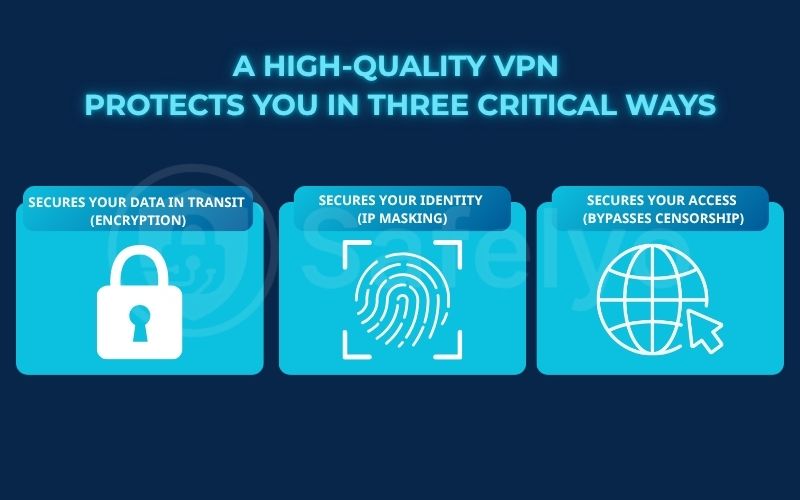
To understand how secure a VPN is, we first need to define its mission. A VPN is a specialized tool with three primary security objectives. When you use a high-quality VPN, you can be confident that it excels in these core areas.
2.1. It secures your data in transit with encryption
This is the most fundamental function of a VPN. It creates a secure, encrypted VPN tunnel for all your internet traffic. I often describe it to people as putting your data inside an armored truck for its journey across the internet.
This is especially critical on unsecured networks like public wireless networks at airports or cafes. Without a VPN, your data travels “in the open”. This makes it easy for malicious actors on the same network to intercept your passwords, bank details, or private messages. This can happen in what is known as a man-in-the-middle attack. With VPN encryption, even if a hacker intercepts your data, all they see is scrambled, unreadable code.
2.2. It secures your identity by hiding your IP address
Your public Internet Protocol address is like a digital fingerprint that reveals your approximate location and can be used to track you across the web. A VPN secures your identity by masking this fingerprint. It routes your traffic through one of its own VPN servers, so websites, advertisers, and snoopers only see the Internet Protocol address of the VPN server, not your real one.
This is a powerful tool for online privacy tips. It effectively stops your own Internet Service Provider (ISP) from monitoring and logging the websites you visit.
2.3. It secures your access to the internet
In many parts of the world, the internet is not open and free. Governments can block access to news sites, social media, and communication apps. A VPN is a powerful security tool in this context because it allows you to bypass this censorship. By connecting to a server in a different country, you can bypass geo-restrictions to access global content and streaming services as if you were there, securing your right to information.
>> Read more:
3. The crucial factor: Not all VPNs are created equal
This brings us to the most crucial point in addressing: How secure is a VPN? The term “VPN” encompasses a wide range of options. The security offered by a top-tier, paid service is vastly different from what you receive with a dubious, free application. The provider you select is the most significant factor influencing your safety.
3.1. The danger of free VPNs
From my years in the security field, I can confidently say that the biggest threat to your privacy can sometimes be the very tool you think is protecting it. If a VPN provider isn’t charging you a subscription, they are almost certainly making money from you in other ways, and this usually involves compromising your privacy.
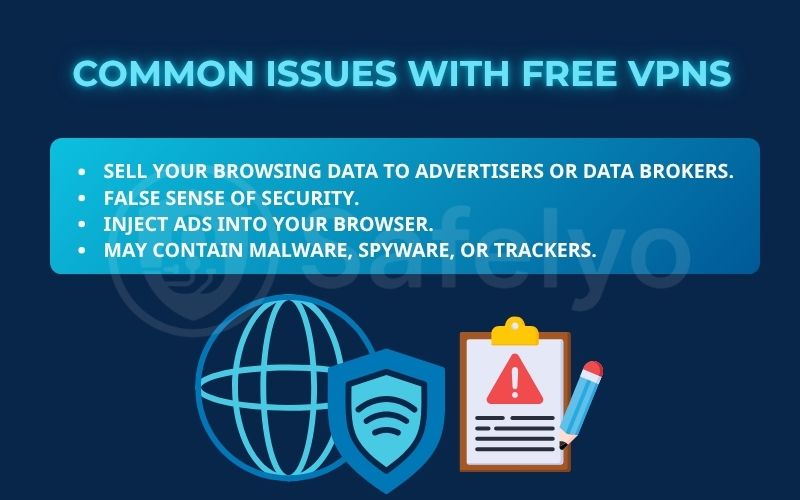
Common issues with free VPNs include:
- Selling your user data implies allowing third-party access to advertisers and data brokers without your consent.
- Using weak or non-existent information encoding gives you a false sense of security.
- Injecting intrusive ads into your browser.
- Bundling their software with malware, spyware, or trackers.
A bad VPN is worse than no VPN at all because it not only fails to protect you but also actively exploits your trust.
3.2. The importance of the provider’s trustworthiness
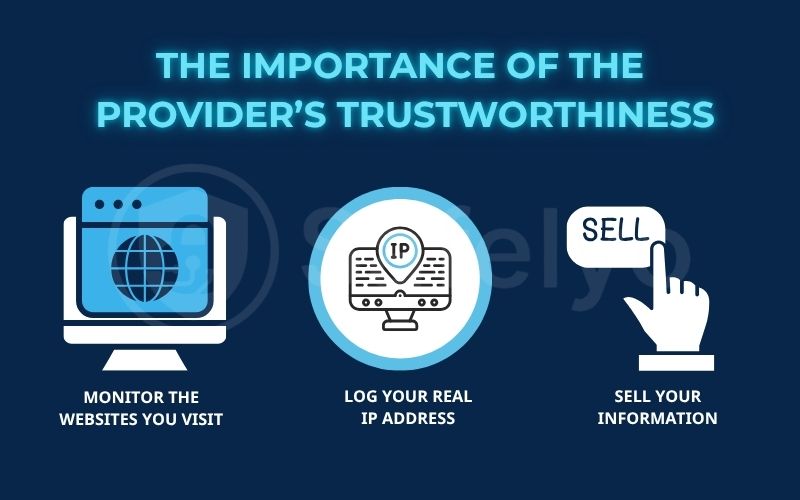
This brings us to the core concept of VPN provider trust. When you use a VPN, you are rerouting all of your internet traffic – your entire digital life – through that company’s servers. You are explicitly shifting your trust from your ISP (who you know is watching) to the VPN provider.
You are trusting them not to:
- Log your real Internet Protocol address.
- Monitor the websites you visit.
- Sell your information.
This is an enormous amount of trust to place in one company. That’s why building user trust through reputation, transparency, and privacy policies is not just marketing; it is the absolute foundation of its security.
4. What makes a VPN truly secure? A checklist for choosing a safe VPN
So, how do you separate a trustworthy VPN from a dangerous one? It’s not about flashy marketing; it’s about verifiable technical features and transparent policies. When I evaluate a service, I look for a specific set of secure VPN features. This checklist is what I use, and I recommend you use it too.
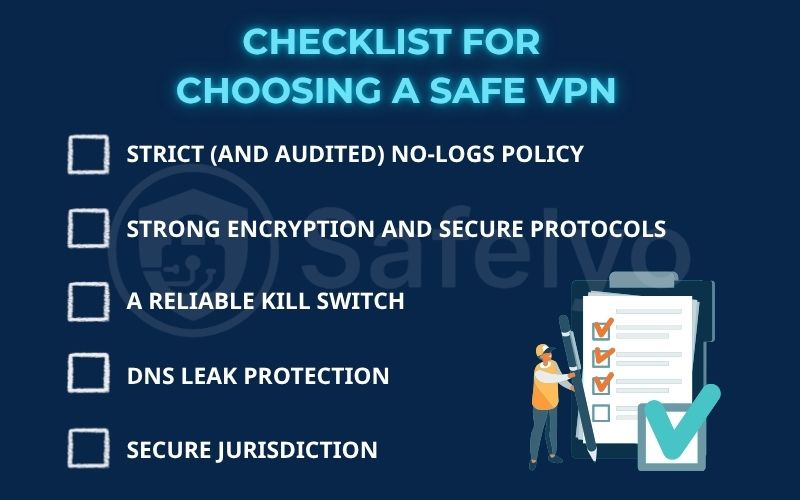
4.1. Strict (and audited) no logs policy
This is the most important item on the list. A truly secure VPN must have a strict no-logs policy, meaning it does not record your Internet Protocol address, browsing history, or any other data that could identify you. But words on a website are not enough. The gold standard for a no-logs VPN is one that has undergone regular security audits from a reputable firm (like PwC or Deloitte) to publicly verify its claims. This audit is the proof that they can be trusted.
4.2. Strong encryption and secure protocols
The strength of the “armored truck” protecting your data is determined by its information encoding. The industry standard today is AES-256 encryption, which is virtually unbreakable. Just as important are the protocols used to create the VPN tunnel. Look for providers that offer OpenVPN and WireGuard. These are modern, open-source protocols known for their excellent security and performance.
Steer clear of any service still offering outdated VPN protocols like PPTP. Additionally, some top providers offer obfuscation technology to hide the fact that you are using a VPN connection at all.
4.3. A reliable kill switch
A kill switch is a critical failsafe. Imagine your VPN connection drops for just a second – without a disconnect feature, your device would instantly revert to your regular, unprotected connection, exposing your real IP address. A quick-off switch prevents this by automatically blocking all internet traffic until the secure VPN connection is restored. In my opinion, you should never use a VPN that doesn’t have this feature.
4.4. DNS leak protection
Sometimes, even with a VPN active, your device might still send its DNS queries (the “phonebook” lookups for websites) through your ISP’s servers. This is called a DNS leak, and it allows your ISP to continue monitoring the sites you visit. A secure VPN prevents potential data leaks by forcing all DNS requests through its own encrypted tunnel, ensuring your browsing habits remain private.
4.5. Secure jurisdiction
While a more advanced topic, the country where a VPN company is legally based matters. Providers headquartered in privacy-friendly jurisdictions like Panama, the British Virgin Islands, or Switzerland are outside the reach of major international surveillance alliances (like the 5/9/14 Eyes). This makes it much harder for governments to legally compel them to spy on their users.
5. What a VPN can’t protect you from (common misconceptions)
Understanding how secure a VPN is also means understanding its limitations. A VPN is a powerful and essential tool, but it is not a magical invisibility cloak that solves all cyber threats. Believing it is can lead to a false sense of security and risky behavior.
Here are the most common misconceptions about what a VPN can protect you from.
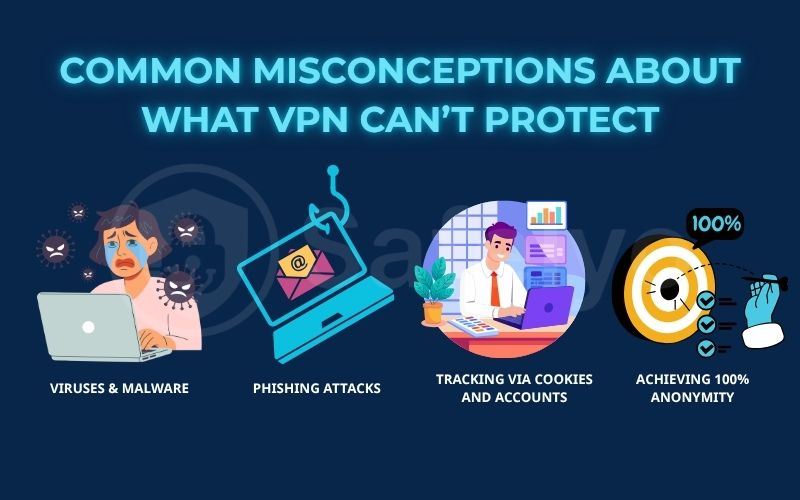
5.1. Viruses and malware
This is the biggest one. A VPN is not an antivirus program. Its job is to secure your connection, not to inspect the data that passes through it. If you knowingly or accidentally download a malicious file, the VPN will dutifully encrypt that file and deliver it securely to your computer. You absolutely still need a high-quality antivirus program to scan for and block malware.
5.2. Phishing attacks
Phishing relies on tricking you, not breaking your information encoding. If you get a fake email from “Netflix” and click a link to a fraudulent login page, a VPN will secure your connection to that fake page. It cannot stop you from voluntarily entering your username and password into the wrong hands. A VPN protects the data pathway, not the decisions you make at either end of it. To better protect yourself against these scams, you should rely on awareness and enable multi-factor authentication on your accounts.
5.3. Tracking via cookies and accounts
This is a crucial point I always emphasize. If you turn on your VPN but then log into your Google or Facebook account, they know it’s you. They can continue to track every search you make, every video you watch, and every post you like on their platform.
A VPN can hide your IP address and location from them, but it can’t anonymize your activity once you’ve identified yourself by logging in. Furthermore, advertisers can still use methods like browser fingerprinting to track your device based on its unique configuration, even if your IP is hidden.
5.4. Achieving 100% anonymity
A VPN provides a massive boost to your privacy, but it does not make you completely anonymous. Protecting your full digital identity requires more than just hiding your IP address. Your VPN provider is a central point that, if it were malicious or compromised, could potentially see your traffic.
For true, near-absolute identity concealment where no single entity can trace your entire path, you would need a decentralized tool like the Tor Browser. However, this option comes with its own significant trade-offs, such as extremely slow speeds.
6. FAQs about how secure is a VPN
Let’s wrap up with quick answers to some of the most common questions about VPN security.
How secure is a VPN?
A reputable, paid VPN is extremely secure for its core functions: encrypting your data to protect you on public Wi-Fi and hiding your IP address from your ISP and websites. However, its overall security depends entirely on the provider’s trustworthiness and a user’s understanding of its limitations.
So, are VPNs safe to use?
Yes, a high-quality, paid VPN from a transparent provider is one of the safest tools you can use for online privacy. Conversely, many free VPNs are not safe and should be avoided as they may sell your data or contain malware.
Can a VPN be hacked?
While the AES-256 encryption used by top VPNs is virtually unbreakable, the VPN service itself is not immune to attack. Servers can have vulnerabilities, or the company could be targeted by sophisticated hackers. This is why choosing a provider with a strong security infrastructure and a proven track record is absolutely vital.
Is using a VPN legal?
In the vast majority of countries, including the U.S., Canada, and the UK, using a VPN for privacy and security is perfectly legal. Only a handful of countries with heavy internet censorship have laws restricting or banning their use.
7. Conclusion
Returning to the original question: How secure is a VPN? Its security largely depends on the provider you select and how well you understand its function. A top-tier VPN is a powerful and essential component of your security toolkit, but it shouldn’t be your only defense.
At Safelyo, we encourage you to view a VPN not as a single solution, but as the non-negotiable foundation of your personal cybersecurity strategy. It’s your most important piece of armor, but you still need a shield (antivirus) and a sword (good judgment) to be truly safe.
Ready to equip yourself with the best armor available? Explore our expert rankings of the most secure and trustworthy VPN services to make an informed choice, and continue building your defenses in our Privacy & Security Basics category.