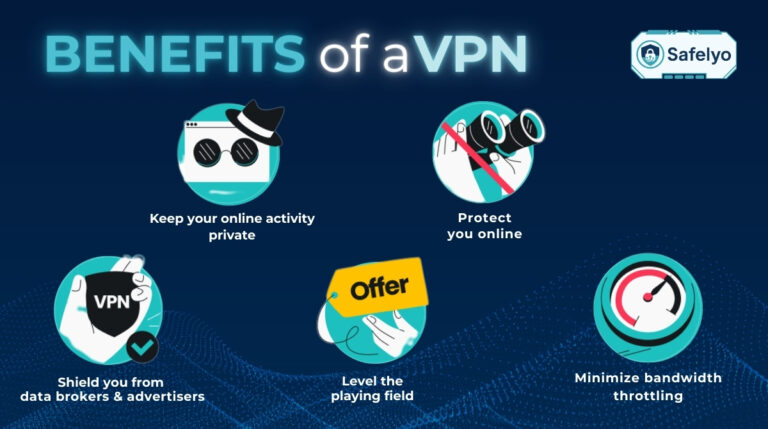
In an era where digital footprints are tracked by every website you visit and every network you join, privacy has become a luxury. This leads many users to a common question: Should I always use a VPN?
While the short answer is usually “yes,” the full explanation involves a balance between maximum security and optimal performance. In this guide, we’ll explore why keeping your VPN active 24/7 is the gold standard for privacy, and the rare occasions when you might want to hit the “disconnect” button.
Key takeaways:
- For most users, leaving a VPN on all the time is the safest default
- An always-on VPN protects against ISP tracking, public Wi-Fi attacks, and throttling
- Modern protocols like WireGuard minimize speed and battery impact
- Free VPNs are unsafe for 24/7 use due to logging and weak security
- Turn off your VPN only for gaming, local networks, or trusted large downloads
1. Quick answer: Should I always use a VPN?
Yes. For the average internet user, leaving a VPN on 24/7 is the best way to maintain consistent privacy and security.
A VPN continuously encrypts your data, masks your real IP address, and prevents ISPs from monitoring or monetizing your browsing activity. It also protects you automatically when moving between Wi-Fi networks, mobile data, or public hotspots.
While a VPN can introduce minor performance trade-offs, these are usually negligible compared to the protection you gain. Only latency-sensitive or location-dependent activities require turning it off temporarily.
2. Always-on VPN vs. on-demand VPN
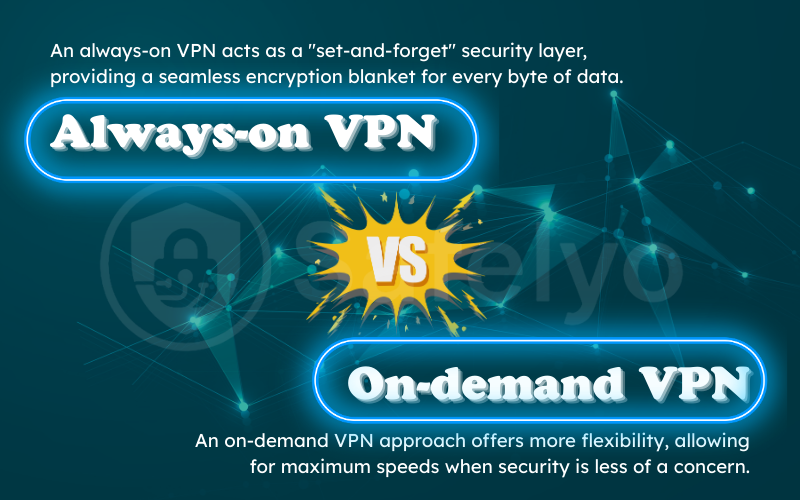
Choosing whether to keep your VPN active 24/7 or only toggling it manually depends on your daily internet habits and privacy priorities. An always-on VPN acts as a “set-and-forget” security layer, providing a seamless encryption blanket for every byte of data. In contrast, an on-demand VPN approach offers more flexibility, allowing for maximum speeds when security is less of a concern.
The following table highlights the critical differences to help you decide which strategy fits your lifestyle:
| Feature | Always-on VPN | On-demand VPN |
|---|---|---|
| Security | Maximum (24/7 encryption) | Partial (only when active) |
| Privacy | Hidden from ISP & trackers | Exposed when disconnected |
| Speed | Slightly lower due to encryption | Maximum (original ISP speed) |
| Battery usage | Moderate (depends on protocol) | Minimal |
| Best use cases | Public Wi-Fi, travel, daily browsing | Gaming, high-speed local downloads |
3. 7 reasons why you should keep your VPN on all the time
Why do cybersecurity experts and privacy advocates recommend a 24/7 connection? In a digital landscape where personal data has become a valuable commodity, your “digital footprint” is constantly being tracked, analyzed, and sometimes exploited from the moment you go online. Keeping your VPN active at all times transforms your internet connection from an open book into a private vault, ensuring that your sensitive information never leaks even for a second.
Below are the seven most compelling reasons to maintain an encrypted tunnel for every online session:
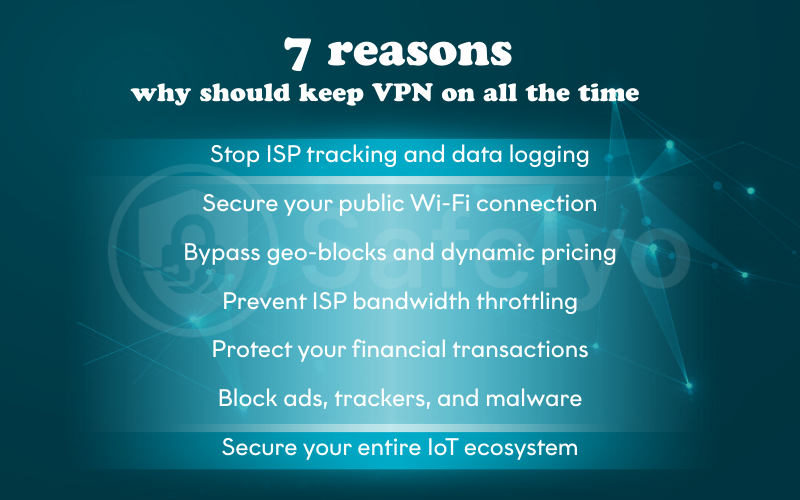
3.1. Stop ISP tracking and data logging
Even in “Incognito” mode, your Internet Service Provider (ISP) acts as a gateway that sees every unencrypted DNS request you make. In many jurisdictions, ISPs aren’t just providers; they are data brokers who log your browsing habits, timestamps, and app usage to sell to marketing firms. An always-on VPN wraps your traffic in an AES−256 encrypted tunnel, making your activity a jumbled mess of characters that is useless to your ISP.
3.2. Secure your public Wi-Fi connection
Public Wi-Fi networks at airports, cafes, and hotels are “honeypots” for cybercriminals. Hackers often use Evil Twin attacks (fake Wi-Fi hotspots) or Packet Sniffing to intercept unencrypted data. By keeping your VPN on, you ensure that your connection is encrypted before it even reaches the local router, rendering Man-in-the-Middle (MITM) attacks ineffective.
3.3. Bypass geo-blocks and dynamic pricing
Streaming platforms like Netflix, Hulu, and BBC iPlayer use “geofencing” to restrict content based on your IP address. An active VPN allows you to maintain a consistent virtual location, preventing those frustrating “Content not available” errors while traveling. Furthermore, staying connected can prevent dynamic pricing, where airlines or booking sites increase prices based on your repeated visits or high-income location.
3.4. Prevent ISP bandwidth throttling
If you notice your speeds dropping significantly while streaming 4K video or downloading large files, your ISP is likely “throttling” your connection. They use Deep Packet Inspection (DPI) to identify data-heavy activities and slow them down to save network capacity. A VPN masks the type of traffic you are using, making it impossible for the ISP to distinguish between a simple email and a high-def stream.
3.5. Protect your financial transactions
Online banking, crypto trading, and e-commerce require more than just a site’s HTTPS lock. A VPN adds a secondary layer of security that protects your session tokens and prevents session hijacking. This is critical for preventing hackers from “overhearing” your transaction details or redirecting your payment to a fraudulent gateway through DNS poisoning.
3.6. Block ads, trackers, and malware
Modern VPNs are more than just encryption tools; they are comprehensive security suites. Features like Threat Protection or CleanWeb work at the DNS level to block intrusive ads and known malware-hosting domains. By keeping the VPN on, you create a real-time firewall that prevents hidden trackers from building a profile of your behavior across different websites.
3.7. Secure your entire IoT ecosystem
Most “Smart Home” devices, such as IP cameras, smart bulbs, and thermostats, are notorious for having weak security and no encryption. If a hacker gains access to one IoT device, they can often jump to your laptop or phone. By running a VPN (ideally at the router level), you create a secure perimeter for every connected device in your home, ensuring that your smart camera doesn’t become a window for a digital intruder.
4. Is it safe to leave a VPN on all the time?
One of the most common concerns for users is whether a persistent VPN connection poses any long-term security risks. The short answer is: it is perfectly safe, as long as you have chosen a reputable provider. In fact, leaving a VPN on is safer than toggling it manually, as it eliminates the “human error” of forgetting to reconnect when switching networks. However, safety is entirely dependent on the integrity of the service you use.
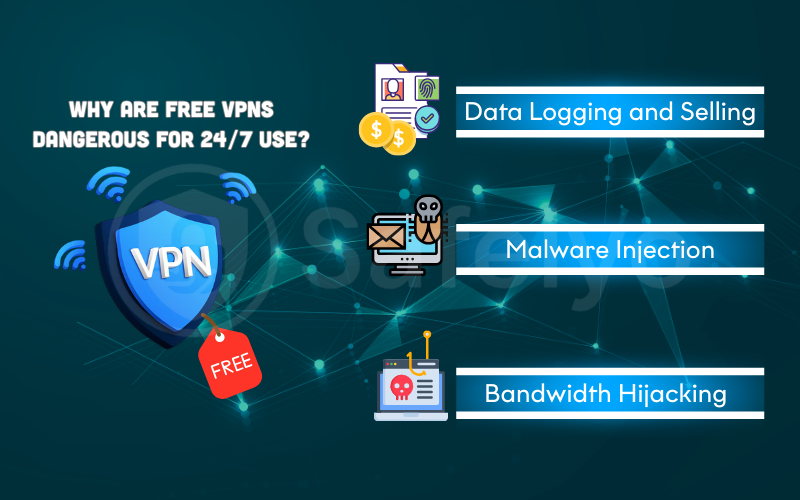
4.1. Why are free VPNs dangerous for 24/7 use?
If you are using a free VPN, leaving it on 24/7 can actually be less safe than having no VPN at all. Since these companies do not charge a subscription fee, they often monetize their users in dangerous ways:
- Data Logging and Selling: Many free services track your browsing habits and sell this data to marketing firms or third-party brokers.
- Malware Injection: Some free apps have been found to inject malicious code or tracking cookies into your browser to serve targeted ads.
- Bandwidth Hijacking: In some cases, free VPNs turn your device into a “node” for other users, potentially using your IP address for someone else’s untraceable (and potentially illegal) activities.
4.2. Three security pillars for permanent safety
To ensure that keeping your VPN on indefinitely is a benefit and not a liability, your provider must possess these three critical security features:
- System-Wide Kill Switch: This is non-negotiable for 24/7 use. If the encrypted tunnel fails even for a second, a Kill Switch instantly shuts down your internet access. This ensures that no unencrypted data (like your real IP or location) ever “bleeds” out onto the open web during a server hiccup.
- RAM-Only Server Infrastructure: Unlike traditional servers that write data to hard drives, RAM-only servers (like NordVPN’s or ExpressVPN’s) store everything in volatile memory. This means that every time the server is rebooted or loses power, every scrap of user data is physically wiped out, making it impossible for local authorities or hackers to seize your logs.
- Independent No-Logs Audits: Trust should be verified, not just promised. A safe VPN will regularly hire third-party firms (such as PwC, Deloitte, or Cure53) to audit its infrastructure and code. These audits confirm that the provider actually adheres to its “no-logs” policy and isn’t secretly storing your activity history.
4.3. The role of jurisdiction
For total safety, consider where your VPN is headquartered. A VPN based in a “privacy-friendly” jurisdiction (like Panama, the British Virgin Islands, or Switzerland) is not legally bound to comply with data retention laws from the 5/9/14 Eyes Alliance. This ensures that even if a government requests your data, the VPN provider has no legal obligation, and no technical ability, to provide it.
5. What are the downsides of using a VPN all the time?
While the security benefits of an always-on VPN are undeniable, constant encryption isn’t “free” in terms of device resources. If you decide to keep your VPN active indefinitely, you will likely encounter a few technical trade-offs. However, with the right configuration, these “costs” can be minimized to the point where you’ll barely notice them.
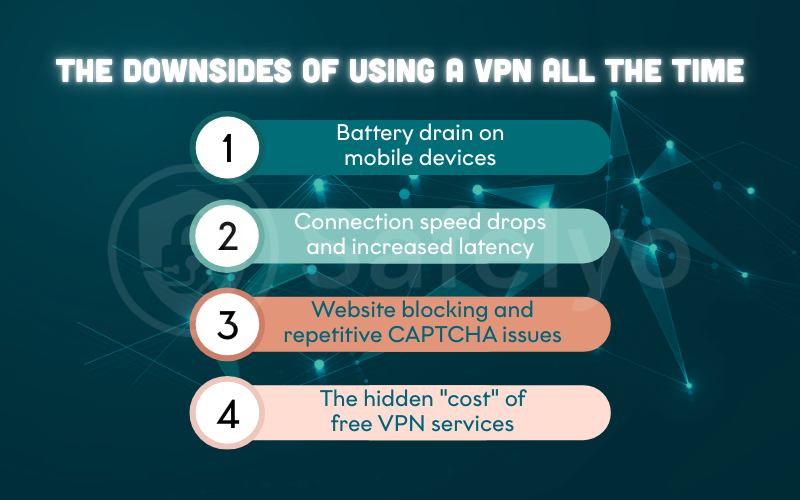
5.1. Battery drain on mobile devices
The primary cost for smartphone users is increased power consumption. Because a VPN requires your device to constantly encrypt and decrypt every packet of data in the background, your CPU remains active longer than it would on a standard connection. On older devices or over 5G networks, this can lead to a 5–15% faster battery drain.
How to minimize battery drain:
- Use WireGuard or IKEv2, which are optimized for low power usage
- Enable auto-connect so the VPN activates only on untrusted Wi-Fi or mobile data
- Avoid older, resource-heavy protocols like OpenVPN unless needed
5.2. Connection speed drops and increased latency
While every VPN introduces some “overhead” due to the encryption and routing process, the impact in 2026 is typically negligible. Most users experience only a 5–15% speed reduction, which is barely noticeable during 4K streaming, video calls, or standard browsing. Interestingly, if your ISP is intentionally throttling your connection for “data-heavy” tasks, a VPN can actually increase your speed by masking your activity and bypassing those restrictions.
How to minimize speed loss:
- Choose WireGuard or Lightway instead of older protocols
- Connect to nearby or fastest-available servers
- Use split tunneling to route only sensitive apps through the VPN while allowing high-bandwidth apps (like streaming or game downloads) to use your direct connection
5.3. Website blocking and repetitive CAPTCHA issues
Since VPNs use shared IP addresses, hundreds of users might appear to be coming from the same location. To websites like Google, Cloudflare, or Ticketmaster, this “crowded” IP can look like bot activity. As a result, you might find yourself stuck in a loop of solving CAPTCHAs or being blocked from certain sites entirely.
How to reduce blocking issues:
- Use a dedicated IP address if available
- Enable obfuscated or stealth servers to hide VPN usage
- Temporarily disable the VPN for sites that strictly require a local IP
5.4. The hidden “cost” of free VPN services
It is important to note that the most significant risk comes not from leaving a VPN on, but from leaving the wrong VPN on. Free VPN providers often sustain themselves by selling your browsing data to the highest bidder, the very thing you’re trying to prevent.
Best practice: Use a paid, independently audited no-logs VPN for always-on use. When a service is paid for, its business model depends on your subscription, not your data. In the world of cybersecurity, if you aren’t paying for the product, you are the product.
6. When should you actually turn off your VPN?
While an “always-on” policy is the gold standard for digital privacy, a VPN is not a one-size-fits-all solution. There are specific technical scenarios where encryption or a virtual location change can cause friction. To maintain a balance between protection and peak performance, consider temporarily disabling your VPN in these cases:
- Competitive gaming where latency is critical: Every millisecond counts in fast-paced matches. Routing your traffic through a VPN server can increase “ping” and cause lag. For high-stakes play, you may need the raw, unrouted speed of your ISP to ensure the lowest possible response time.
- Accessing local network resources and sensitive services: VPNs can mask your device, making it “invisible” to local hardware like wireless printers, Chromecasts, or LAN file-sharing systems. Additionally, some high-security banking apps or government portals may block shared VPN IPs to prevent fraud, requiring your real, local connection for verification.
- Maximum bandwidth for trusted, large-scale downloads: When downloading massive files (like 100GB game updates) from sources you fully trust, the encryption overhead can act as a bottleneck. Turning off the VPN allows you to utilize 100% of your fiber-optic bandwidth for the fastest possible completion.
7. How to use a VPN all the time without slowing your device
Managing a VPN shouldn’t feel like a chore. The best security is the kind that works silently in the background, protecting your data without requiring constant manual intervention. By leveraging automation and fine-tuning your settings, you can achieve an “always-on” lifestyle that balances high-level security with the convenience of a standard internet connection.
7.1. Automate security with “Trusted Networks” and “Auto-connect”
The most common reason people leave their data exposed is simply forgetting to turn their VPN on when they leave the house. Most premium VPN apps in 2026 offer an Auto-connect feature that can be customized based on the network type.
You can configure the app to stay dormant while you are on your “Trusted” home Wi-Fi, but trigger an immediate, encrypted connection the moment your phone detects an “Untrusted” public hotspot or switches to cellular data (5G/LTE). This ensures you are never “naked” on a public network, even for a few seconds.
7.2. Never browse without an active Kill Switch
For an always-on VPN strategy, the Kill Switch is your most critical safety net. Internet connections are rarely 100% stable; your Wi-Fi might flicker, or your device might hand over from one cell tower to another. In those few seconds of reconnection, your real IP address can leak to the websites you are visiting.
A system-wide Kill Switch acts as a fail-safe, instantly blocking all internet traffic if the VPN connection drops unexpectedly. This prevents “data bleeding” and ensures that no unencrypted packet ever leaves your device.
7.3. Optimize performance by choosing the right VPN protocol
Not all VPN protocols are created equal, and the one you choose will determine your battery life and browsing speed. To make your VPN truly “invisible,” you need a protocol that is fast and lightweight:
- WireGuard: This should be your default choice in 2026. It uses state-of-the-art cryptography and is significantly faster than older protocols. Because it has a much smaller code footprint, it consumes less CPU power, making it the ideal choice for mobile devices where battery drain is a concern.
- OpenVPN (UDP/TCP): While slightly slower and more resource-intensive, OpenVPN remains the gold standard for bypassing strict firewalls or “stealth” browsing. If you are in a location with heavy censorship, switching to OpenVPN can help disguise your VPN traffic as standard HTTPS traffic.
- IKEv2: Excellent for mobile users who frequently move between Wi-Fi and mobile data, as it is exceptionally good at re-establishing a dropped connection quickly.
8. Expert recommendations: Best always-on VPNs for 2026
Not all VPNs are built for 24/7 background operation. To help you maintain a seamless connection, we’ve selected the top three providers for 2026 that offer the best balance of speed, battery efficiency, and “set-and-forget” reliability:
8.1. NordVPN
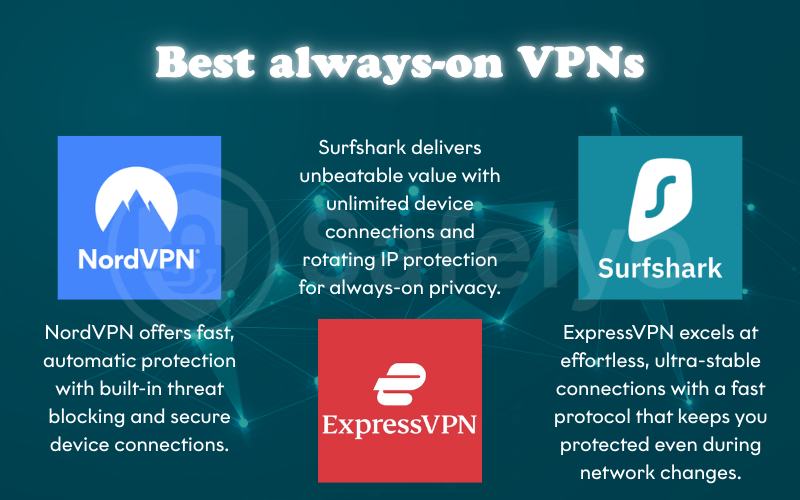
NordVPN remains the top choice for users who want to set their security to “autopilot.” Its proprietary NordLynx protocol (built on WireGuard) provides the best balance of high-speed performance and low power consumption, making it perfect for mobile devices.
Its Threat Protection Pro acts as a background antivirus, blocking trackers and malicious ads even if you aren’t actively browsing. Additionally, the Meshnet feature allows you to create secure, encrypted tunnels between your own devices globally, ensuring private access to your home files from anywhere.
8.2. Surfshark
Surfshark is the ultimate value proposition for families or users with a vast array of IoT devices. It is one of the few premium providers that allows unlimited simultaneous connections under a single account, meaning you can keep the VPN active on every phone, laptop, and smart TV in your house without hitting a cap.
Surfshark’s Nexus technology is specifically designed for 24/7 users. It connects you to an entire network of servers rather than a single point, allowing for “IP Rotation.” This periodically changes your IP address without disconnecting the VPN, making it nearly impossible for third parties to track your long-term online patterns.
Discover more: Surfshark VPN review 2026: What to know before subscribing
8.3. ExpressVPN
ExpressVPN is tailored for those who want a “it just works” experience. While it offers fewer niche features than NordVPN, its connection stability is unmatched. It is particularly effective at maintaining a connection during network transitions, such as moving from your home Wi-Fi to a 5G cellular network.
The heart of its performance is the Lightway protocol. Lightway was engineered from the ground up to be more lightweight and faster than traditional protocols. It is incredibly “battery-friendly” and can re-establish an encrypted connection in less than a fraction of a second if your internet flickers, ensuring your data never travels unencrypted.
For more details: ExpressVPN review: Speed, security & streaming 2026 tested
9. FAQs
Should I leave my VPN on at home?
Yes. While your home network is safer than a coffee shop, your ISP still tracks your data. A VPN at home prevents data harvesting and bandwidth throttling.
Does a VPN drain battery if not actively used?
If the app is running and connected in the background, it will use a small amount of battery (usually 5–15% more than usual) due to maintaining the encrypted tunnel.
Is it legal to use a VPN 24/7?
In most countries (US, UK, EU, etc.), using a VPN is 100% legal. However, always check local laws if you are traveling to countries with heavy censorship like China or Russia.
Does a VPN hide my browsing history from my employer?
If you are using a personal VPN on a work laptop, it hides your traffic from the Wi-Fi provider, but the employer may still have “endpoint monitoring” software installed directly on the device.
Can apps or banks block VPN connections?
Yes, some financial institutions and streaming services block known VPN IP ranges for security or licensing reasons. Using a Dedicated IP can help bypass this.
10. Conclusion
In the 2026 digital landscape, the answer to Should I always use a VPN? is a resounding yes. Keeping your connection active 24/7 is the most effective way to shield your data from ISP snooping and hackers, ensuring your digital “front door” is never left unlocked. While you might briefly disconnect for latency-sensitive tasks like gaming, staying “always-on” remains the gold standard for modern privacy.
Consistency is the key to true online safety and anonymity. To find the best setup for your specific needs or to compare the latest security features, explore our comprehensive VPN Guides at Safelyo. Our expert resources are designed to help you navigate the complex world of cybersecurity with ease and confidence.