A VPN (Virtual Private Network) allows you to do two primary things. First, it creates a secure, encrypted “tunnel” for your internet data. Second, it hides your real IP address, which is your digital location.
Perhaps you’ve worried about security on public Wi-Fi. Maybe you’ve seen the frustrating “content not available in your region” message. It can also feel like your online activity is constantly being tracked. A VPN is the tool designed to solve these exact problems.
Understanding what can you do with a VPN goes far beyond just security. It’s a versatile tool that can unlock a more open and private internet experience.
Key Takeaways:
- Secure your personal data and encrypt your connection, especially on public Wi-Fi.
- Access geo-restricted streaming libraries, websites, and social media apps from anywhere.
- Prevent your Internet Service Provider (ISP) from throttling (slowing) your connection.
- Enhance your privacy by hiding your real IP address from trackers and websites.
1. What can you do with a VPN?
A VPN is a software tool that creates a secure, private “tunnel” between your device (like a computer or phone) and the internet.
Think of your normal internet connection as driving on a public highway. Anyone can see your car, your license plate (your IP address), and which exits you are taking.
When you use a VPN, you are driving inside a private, armored tunnel.
- It encrypts your traffic: Everything inside the tunnel is scrambled. This means your Internet Service Provider (ISP), hackers, or network monitors can’t see what websites you visit or what data you send.
- It hides your IP address: When you exit the tunnel, you appear to be coming from the VPN server’s location, not your own. This hides your real-world location and identity.
Because a VPN provides this combination of encryption and location-masking, the answer to “what can you do with a VPN?” is quite a lot. You can use it to secure your data, protect your privacy, and bypass all kinds of digital restrictions.
The next sections will explore 17 practical examples of these benefits in action.
2. Easier access to entertainment
While security is a VPN’s foundation, its most popular feature today is unlocking a world of global entertainment. A VPN gives you the power to control your digital location, making online content borders a thing of the past.
2.1. Access websites and streaming services while traveling
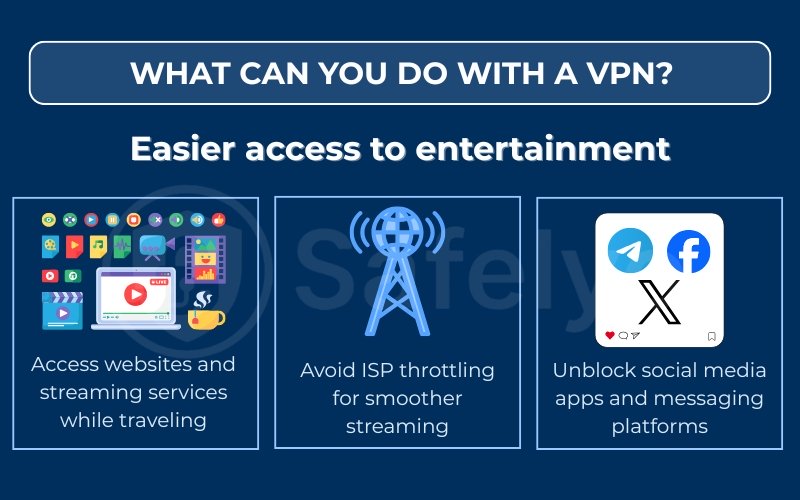
You can use a VPN to access your home streaming services and websites while traveling abroad. Services like Netflix, Hulu, and BBC iPlayer use “geo-blocking” to show different content libraries based on your IP address. This means your home subscription might not work, or will be severely limited, when you’re in another country.
This is a lifesaver for me. I travel for work several times a year, and I used to get so frustrated when I couldn’t access my paid US Netflix library from my hotel in London. Now, I just open my VPN app, connect to a server back in New York, and Netflix works exactly as if I were on my couch at home. It makes long trips much more comfortable.
Read more:
2.2. Avoid ISP throttling for smoother streaming
A VPN is a great tool for avoiding ISP throttling, which often causes that frustrating buffering right in the middle of a 4K movie. “Throttling” is when your Internet Service Provider (ISP) intentionally slows down your connection for high-bandwidth activities like streaming, especially during peak hours.
Because a VPN encrypts your traffic, your ISP can no longer “see” that you are streaming. It only sees scrambled data. This prevents your ISP from identifying and selectively slowing your connection, often resulting in a much smoother, buffer-free stream.
2.3. Unblock social media apps and messaging platforms
You can also use a VPN to unblock social media apps and messaging platforms. This is useful in two main situations.
First, many corporate, school, or university networks block sites like Facebook, Instagram, and X (formerly Twitter) to limit distractions.
Second, some countries restrict or completely block these platforms and apps like WhatsApp or Telegram. A VPN solves this instantly. It creates an encrypted tunnel that bypasses these local firewalls or government censorship, giving you unrestricted access to the open internet.
3. Stronger online privacy and security
Beyond entertainment, a VPN’s most critical function is its original purpose: to provide a powerful layer of digital privacy and security. In an age where data is a valuable commodity, a VPN acts as your personal bodyguard, shielding your activity from prying eyes.
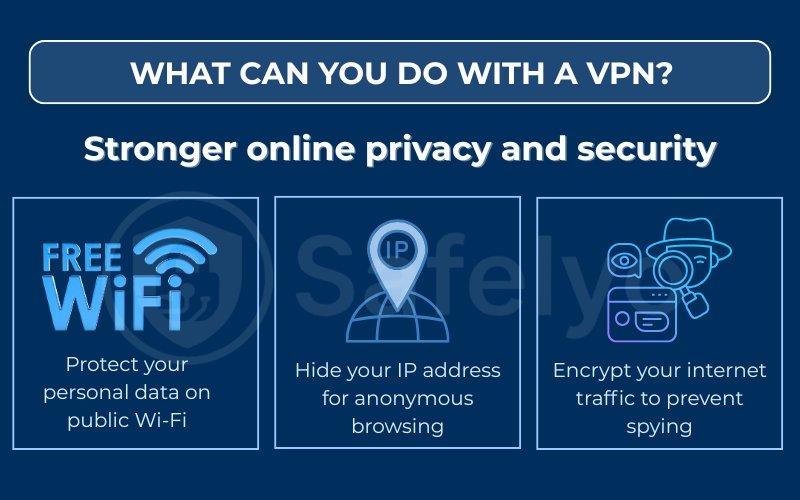
3.1. Protect your personal data on public Wi-Fi
You should always use a VPN to protect your personal data when on public Wi-Fi. Networks in cafes, airports, and hotels are notoriously insecure and full of potential online threats.. They are a prime target for hackers who can position themselves between you and the Wi-Fi router in a “man-in-the-middle” attack.
This allows them to intercept and read everything you send, including passwords, credit card numbers, and private messages.
I’ve made it a non-negotiable rule for myself: I never do any online banking or check sensitive email on public Wi-Fi unless my VPN is connected. The VPN’s encryption makes my data completely unreadable, preventing identity theft even if a hacker is on the same network.
3.2. Hide your IP address for anonymous browsing
A VPN is the easiest way to hide your IP address and browse more anonymously.
Your IP address is a unique number that acts like your home’s mailing address for the internet. It reveals your physical location and is used by websites, advertisers, and trackers to build a profile of your online activity.
When you connect to a VPN, you adopt the IP address of the VPN server. This server’s IP is often shared by hundreds or thousands of other users. This makes it extremely difficult for advertisers or websites to single you out and track your movements across the web.
3.3. Encrypt your internet traffic to prevent spying
A VPN uses strong encryption to prevent ISP tracking and others from spying on your activity.
Even on your home Wi-Fi, your Internet Service Provider (ISP) can see every website you visit, how long you stay there, and what you do.
A VPN wraps all your internet traffic in a layer of powerful encryption (like AES-256). This means your ISP, government agencies, or even a network administrator at your office can no longer monitor your activity. All they can see is scrambled data heading to a single VPN server, giving you true online privacy.
4. Bypass geographic and network restrictions
Beyond streaming, a VPN is a powerful tool for accessing a truly free and open internet. It allows you to get around government censorship, local network blocks, and the frustrating blackouts that plague live sports.
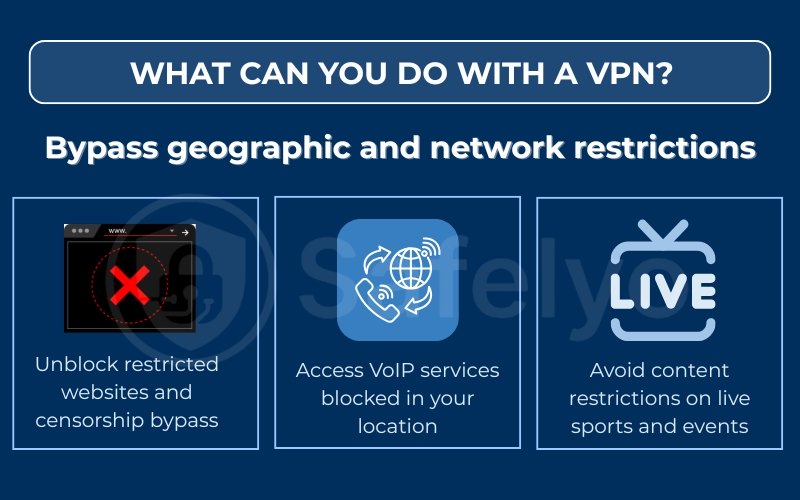
4.1. Unblock restricted websites and censorship bypass
You can use a VPN to bypass government censorship and access geo-restricted content or websites. In many parts of the world, governments block access to international news sites, political blogs, research portals, and social media.
A VPN is a vital tool for citizens, journalists, and activists in these regions. By connecting to a server in a different country, a user can bypass these state-level firewalls. This allows them to access a global perspective and the free flow of information.
4.2. Access VoIP services blocked in your location
A VPN can also unblock VoIP (Voice over Internet Protocol) services that are restricted in your location. Apps like WhatsApp calls, Skype, Signal, and Telegram are often blocked by governments to protect the revenue of local telecommunication companies.
By connecting to a VPN server in a country where these services are not blocked, you can easily get around these restrictions. This allows you to make free calls and send messages to friends and family, no matter where you are.
4.3. Avoid content restrictions on live sports and events
You can use a VPN to avoid “blackouts” and other content restrictions on live sports. Sports streaming rights are extremely complicated and regional. This often means a local game (like an NFL or NBA game) will be “blacked out” on your national streaming package, forcing you to use a different, specific service.
A VPN solves this. If a game is blacked out in your city, you can simply connect to a VPN server in a different city or state where the game is being broadcast. The streaming service will see your new location and unlock the stream.
5. Save money on shopping and travel
A VPN can be a surprisingly effective tool for saving money. Many e-commerce, travel, and subscription websites use “dynamic pricing.” This means the price they show you can change based on your physical location, which they determine from your IP address.
This is another area where what you can do with a VPN can lead to real-world savings.

5.1. Find cheaper flight and hotel prices using location spoofing
You can use a VPN to find cheaper prices on flights and hotels. Travel sites are famous for showing different prices to users in different countries.
An airline ticket might appear more expensive if you are searching from a wealthy country (like the US or Switzerland).
Conversely, the exact same ticket might appear cheaper if you search from a lower-income country.
I’ve tested this myself with mixed, but sometimes positive, results. The key is to be methodical:
- First, I search for a flight (e.g., New York to Paris) in my normal browser window. I note the price.
- Then, I close that window and connect my VPN to a server in another country (like Mexico, India, or Turkey).
- Next, I open a new private browsing window (to avoid my old cookies) and run the exact same search.
It doesn’t work every time, but I’ve seen price differences of 5-10%, which can be a significant saving on an expensive international flight.
5.2. Avoid price discrimination on e-commerce sites
A VPN can also help you avoid price discrimination on other e-commerce and online shopping sites. This applies to car rentals, software subscriptions, and even online streaming services.
For example, a service like YouTube Premium or Spotify has different subscription prices in almost every country. By using a VPN to connect to a country like Argentina or Turkey, you may be able to sign up for the service at a much lower local rate.
Note: While this “hack” can work, you must be aware of the risks.
- Terms of service: This practice almost always violates the company’s Terms of Service. If caught, the provider (like Netflix or an airline) could cancel your purchase without a refund or even ban your account.
- Logistical problems: Some deals are “resident-only.” For example, you might buy a cheap flight meant for residents of that country. At the airport, you could be asked to show a local ID to validate the ticket, and your “VPN deal” would be void.
- Payment blocks: Finally, many sites require a payment method (like a credit card) with a billing address in the same country you are spoofing. If you don’t have one, the purchase will be declined at checkout.
6. Enhance remote work and study productivity
In the age of remote work and distance learning, a VPN has become a standard and essential tool. Its benefits go beyond personal privacy; it is now a critical piece of infrastructure for security and access for both companies and universities.
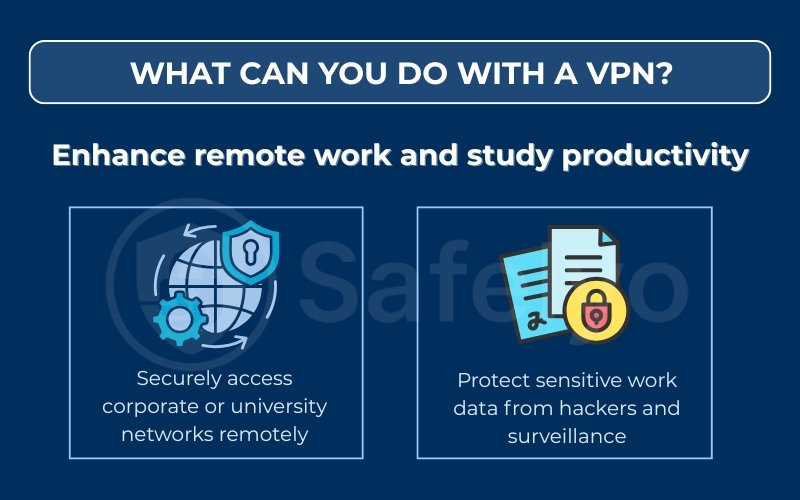
6.1. Securely access corporate or university networks remotely
You can use a VPN to securely access a private corporate or university network. This is the original, classic use for a VPN. Companies and schools have internal “intranets” that host sensitive files, databases, and internal portals that are not visible to the public internet.
To access these resources from home, you need a secure “key.” The corporate VPN client acts as that key. It creates a secure, encrypted tunnel directly from your laptop into that private network, allowing you to work exactly as if you were in the office.
I used this exact technology for years when working in a hybrid role. I couldn’t access our shared drives or internal development servers without first logging into the company’s VPN. It was a mandatory first step every morning to start my workday.
6.2. Protect sensitive work data from hackers and surveillance
A VPN is also crucial for protecting sensitive work data, even when you aren’t connecting to a private intranet. If you are a freelancer or remote worker, you might work from co-working spaces, cafes, or hotels.
As we covered, these public Wi-Fi networks are insecure. Using a VPN encrypts all your work-related traffic. This prevents a competitor or hacker in the same cafe from intercepting your client emails, business strategy documents, or sensitive data being shared on platforms like Slack or Google Drive.
7. Safer online file sharing and P2P activity
Peer-to-peer (P2P) file sharing, such as BitTorrent, is a popular way to download and share large files. However, it comes with major privacy risks. Your IP address is exposed to everyone else sharing the file, and your ISP is almost certainly monitoring your activity.
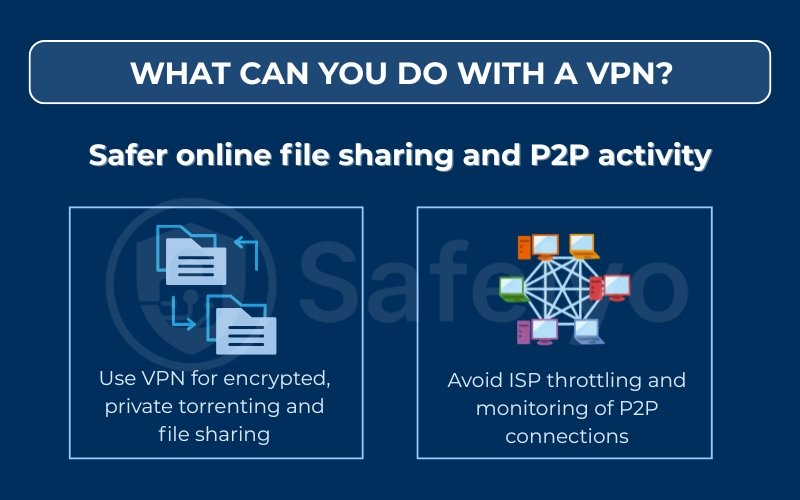
7.1. Use VPN for encrypted, private torrenting and file sharing
You must use a VPN if you engage in P2P file sharing to keep your activity private. When you join a “torrent swarm,” your IP address is visible to every other person in that swarm. This directly exposes your identity and location.
A VPN solves this problem. It hides your real IP address and replaces it with the IP of the VPN server. This makes your presence in the swarm anonymous. It also encrypts the download itself, so your ISP cannot see the content of the files you are sharing.
7.2. Avoid ISP throttling and monitoring of P2P connections
A VPN is also the most effective way to avoid ISP throttling on P2P connections. ISPs actively dislike P2P traffic because it uses a high amount of bandwidth. They will often single out this traffic and “throttle” it, or slow it down to a crawl.
Since a VPN encrypts your data, your ISP can no longer identify your activity as P2P. It just sees encrypted data. This prevents your ISP’s automated systems from targeting and slowing down your connection, often resulting in much faster and more reliable downloads.
8. Comprehensive device and network protection
Your online security isn’t just about your main computer. Your smartphone connects to far more untrusted networks than your laptop, and your smart home gadgets are also vulnerable. A good VPN service offers solutions to protect everything you own.
8.1. Protect all your devices including mobile and smart home gadgets
You can, and should, use a VPN to protect all your devices, especially your smartphone. Think about it: your phone is constantly connecting to Wi-Fi networks in cafes, airports, hotels, and gyms. These are the most dangerous networks, and your phone holds your most sensitive data.
I’ve found the mobile apps for most top VPNs are incredibly simple. I set mine to connect automatically whenever I join an unknown Wi-Fi network. All major VPN services offer easy-to-use, lightweight apps for iOS and Android, so you can get the same protection on the go as you do at home.
8.2. Use VPN on your router to secure your entire home network
A VPN can be installed directly on your home router to secure your entire home network at once. This is the single best way to protect devices that can’t run VPN software on their own.
Your Smart TV, game consoles (like a PlayStation or Xbox), smart speakers, and security cameras are all connected to the internet, but you can’t install an app on them. By configuring the VPN on your router, you create a single, secure umbrella. Every device that connects to your Wi-Fi is automatically routed through the encrypted VPN tunnel.
Important Note: A router VPN encrypts everything, which can slow down your whole network (especially for gaming or video calls). To avoid this, use “split tunneling.” This feature, found on firmware like DD-WRT/Asus-Merlin or from providers like ExpressVPN, lets you select which devices use the VPN.
9. FAQs about What can you do with a VPN?
You’ve seen the 17 practical ways a VPN can secure your data and unlock the internet. Here are a few quick answers to some of the most common questions people have.
What is a VPN used for?
A VPN is used for three main things:
- Security: To encrypt your internet connection and keep your data safe from DDoS attacks and hackers, especially on public Wi-Fi.
- Privacy: To hide your real IP address and location, preventing websites, advertisers, and your ISP from tracking your online activity.
- Access: To bypass geo-restrictions and censorship, allowing you to access streaming libraries, social media, and websites from anywhere in the world.
Is using a VPN legal and safe?
Yes, using a VPN is legal and safe in the vast majority of countries, including the US, UK, Canada, and most of Europe. VPNs are legitimate, essential tools for privacy and security.
However, using a VPN to commit an illegal act is still illegal. Only a few countries with heavy censorship (like China, Russia, and Iran) restrict or ban their use.
Can a VPN guarantee complete anonymity online?
No. A VPN provides a very high level of privacy, but not 100% anonymity. It does an excellent job of hiding your IP address and encrypting your traffic.
However, you can still be identified if you log into personal accounts (like Google or Facebook) or if your browser has tracking cookies. A VPN is a crucial piece of the privacy puzzle, but it is not the only piece.
Will a VPN slow down my internet speed?
A small speed reduction is normal because of the encryption process. With a modern, premium VPN, this slowdown is often unnoticeable for browsing and streaming.
In some cases, if your ISP was throttling your connection, a VPN can actually improve your streaming performance by hiding that activity.
Can I use one VPN on multiple devices?
Yes, nearly all paid VPN services offer one subscription that covers multiple devices at the same time. The standard is usually between 5 and 10 simultaneous connections, allowing you to protect your laptop, phone, tablet, and even your family’s devices under one account.
10. Conclusion
Understanding what can you do with a VPN shows it’s one of the most powerful and versatile digital tools available in 2025. It acts as your key to a safer, more open, and more private internet.
As I’ve covered, a VPN is far more than just a security tool. It can:
- Encrypt your data to keep you safe from hackers on public Wi-Fi.
- Hide your IP address to protect your privacy from trackers and your ISP.
- Unblock global streaming libraries, social media, and live sports.
- Bypass ISP throttling and potentially save money on online purchases.
For me, the single biggest benefit I’ve experienced is the ‘peace of mind.’ I no longer hesitate to check a bank balance at an airport or log into my email at a cafe. That everyday security is invaluable.
I also love the simple pleasure of keeping up with my home streaming shows while traveling abroad. These two benefits alone make a VPN an indispensable part of my tech toolkit.
Now that you know the many practical uses, you can confidently decide how a VPN can best serve your digital life.
For more simple and practical tech tutorials, explore the Privacy & Security Basics section at Safelyo.