You might experience a sudden wave of anxiety if you download a file and realize you forgot to turn on your security software. BitTorrent itself is a completely legal technology designed for sharing large files efficiently. The real danger comes from exposing your personal internet address to random third parties on the network.
This guide will walk you through exactly what happens when your IP is exposed, the legal risks involved, and how specific security tools protect your connection.
Key takeaways:
- Your public IP address is inherently visible to every device in a torrent swarm.
- Anti-piracy tracking firms automatically log these public IPs to identify downloaders.
- ISPs use Deep Packet Inspection (DPI) and behavioral traffic analysis to detect and throttle P2P connections.
- Legal consequences depend on your country, typically ranging from ISP warning notices to civil lawsuits.
- A properly configured VPN with a Kill Switch and Obfuscation is the standard technical defense to encrypt traffic and hide your identity.
1. Why is torrenting without a VPN unsafe?
Torrenting without a VPN is unsafe because it leaves your online activity fully exposed. Every peer in the swarm can see your IP address, which makes you traceable. Internet Service Providers (ISPs) can detect and log torrent traffic, and copyright holders often monitor public trackers.
This exposure creates several risks:
- IP exposure to strangers: Your real IP address is visible in the swarm. Hackers, trackers, or copyright enforcement groups can record it and connect it back to you.
- ISP monitoring and logging: Without a VPN, your ISP can detect torrent traffic patterns and may keep records of your activity. Some providers automatically send warnings or slow down connections when they see torrenting.
- Legal notices and penalties: In regions with strong copyright enforcement, rights holders can issue DMCA notices, demand financial settlements, or begin lawsuits if they detect torrenting without protection.
- Malware and fake torrents: Public torrent platforms are full of disguised files. Attackers frequently package ransomware, spyware, or cryptominers inside torrents that look like movies, games, or software. Downloading these files without security layers increases the risk of infection.
- Privacy leaks beyond torrents: Even if you focus only on torrenting, your system may still leak identifying details through DNS requests or WebRTC. These leaks can reveal your IP to websites you visit at the same time.
- Network scanning: Malicious peers inside torrent swarms sometimes scan exposed IP addresses to look for open ports. While modern home routers block most of these attempts automatically, broadcasting your IP still leaves a digital footprint for automated scanning tools.
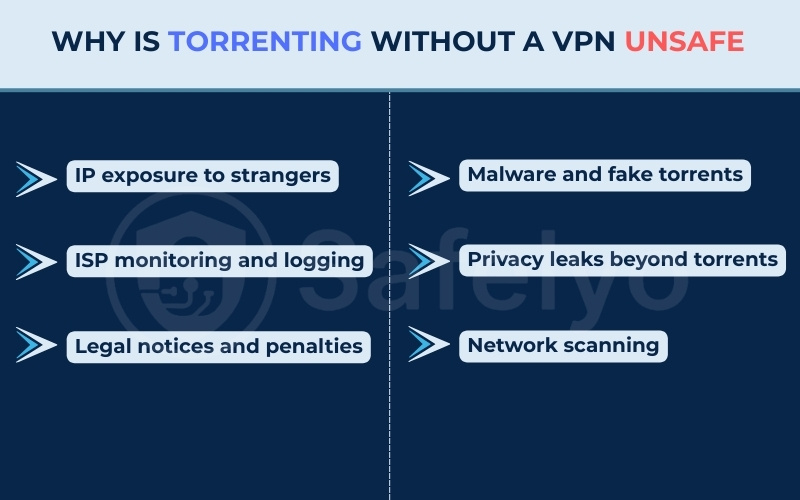
Torrenting without protection therefore creates a chain of risks: you lose anonymity, expose yourself to tracking, increase your chances of receiving legal notices, and raise the likelihood of encountering malware.
Using a VPN directly addresses these vulnerabilities. It routes your connection through an encrypted tunnel and replaces your real IP address with a secure server address. This ensures nobody in the network swarm can trace the download activity back to your actual home network.
2. How you actually get caught: A step-by-step breakdown
To understand the risk, we need to look at how network surveillance actually operates in real time. Monitoring swarms is a highly automated business that relies on specialized software rather than manual observation. When you participate in a peer-to-peer network, you enter a structured tracking pipeline.
Here is the exact process of how an exposed connection turns into a legal notice:
- Swarm entry: Your torrent software connects to the network, making your public IP address immediately visible to all other connected peers.
- IP harvesting: Automated bots run by anti-piracy companies join the swarm. They record your IP address, the precise time of connection, and the specific file you are downloading.
- The subpoena: A law firm uses this collected data to send a legal request to your ISP, demanding the identity of the account holder linked to that specific IP address.
- Identification and notice: Your ISP matches the IP address and timestamp with your billing records. They then forward a copyright infringement notice or a settlement demand to your email or physical address.
3. What are the legal risks by country?
Legal consequences vary heavily depending on where you live. Here is a quick overview of how different governments handle these situations:
| Country | Relevant law | Typical enforcement or consequence |
|---|---|---|
| United States | DMCA | ISP warning notices and civil lawsuits from copyright trolls. |
| United Kingdom | Copyright, Designs and Patents Act | ISP warning letters and settlement demands from law firms via court orders. |
| Canada | Copyright Act (Notice and Notice) | Forwarded alerts to users without revealing identity to rights holders. |
| Australia | Copyright Amendment Bill | ISP-level website blocking and legal notices. |
| Germany | Urheberrechtsgesetz | Immediate and costly settlement letters from specialized law firms. |
3.1. United States
In the US, the Digital Millennium Copyright Act (DMCA) governs these violations. If an anti-piracy firm tracks your IP address, they notify your ISP. Your ISP will typically send a formal warning notice to your email.
Repeated offenses often lead to internet account termination. In severe cases, copyright enforcement companies use your logged IP address to file civil lawsuits, demanding thousands of dollars in financial settlements.
3.2. United Kingdom
The UK relies on the Copyright, Designs and Patents Act. While educational warning letters from ISPs were historically common, the current enforcement landscape is more aggressive.
Copyright enforcement firms now routinely track IP addresses and obtain specific court orders to force ISPs (like Virgin Media or Sky) to reveal customer identities. Users then receive formal letters from law firms demanding settlement payments for alleged infringement.
3.3. Canada
Canada uses a Notice and Notice regime under the Copyright Act. Rights holders send infringement notices to ISPs, who are then legally required to forward them directly to the user.
However, the rights holder does not automatically see your identity. Furthermore, Canadian law strictly prohibits these forwarded notices from containing demands for settlement payments. Legal experts strongly advise users against replying to these forwarded emails. Responding directly reveals your actual identity to the tracking firm, turning an anonymous IP address log into a verified target.
3.4. Australia
Under the Copyright Amendment Bill, Australia focuses heavily on internet-level site blocking. The government orders ISPs to block access to major torrent index websites.
If you bypass these blocks and expose your IP address in a peer-to-peer swarm, rights holders can still track you and issue legal notices. However, individual financial lawsuits are less frequent here than in the United States.
3.5. Germany
Germany has some of the strictest peer-to-peer enforcement policies in the world. Instead of simple warning letters from ISPs, specialized law firms actively monitor swarms and send out immediate cease-and-desist letters, known locally as an Abmahnung.
These letters bypass basic warnings and typically include a direct demand for hundreds or even thousands of euros in settlement fees. Ignoring these formal letters often leads to actual court proceedings.
4. Beyond legal risks: ISP throttling, hackers, and malware
The dangers of an unprotected connection extend beyond copyright notices. ISP and network administrators use advanced network management tools to monitor traffic.
Deep Packet Inspection (DPI) is a method where ISPs analyze the data flowing through their network. While many torrent clients offer basic built-in encryption, modern ISPs use sophisticated traffic analysis, sometimes aided by machine learning, to identify peer-to-peer activity. They do not need to read the actual contents of your files. Instead, they look at the behavioral pattern of your connection.
Because torrenting requires connecting to dozens of peers simultaneously, it creates a highly recognizable pattern of packet sizes and transfer speeds. Once an ISP system identifies this specific BitTorrent pattern, they may apply targeted bandwidth throttling, intentionally slowing down your internet speed to reduce network congestion.
You also face technical and security risks directly from the peer-to-peer network itself:
- Privacy loss and data harvesting: Your public IP address reveals your internet provider and your approximate physical location. Having your IP continuously broadcasted in swarms leaves your network unnecessarily exposed to automated port scanning and data harvesting by third-party tracking bots.
- P2P malware: Peer-to-peer networks are common distribution channels for malicious software. Executable files containing trojans and ransomware are frequently disguised as or bundled with legitimate files, infecting your system when you open the download.
5. Can a VPN fully protect your torrenting?
Using a VPN is the most common way to make torrenting safer, but it is not a magic shield. A VPN hides your IP address and encrypts your traffic, which solves many of the core exposure issues. However, there are still limits and considerations to keep in mind.
5.1. How a VPN actually encrypts your traffic
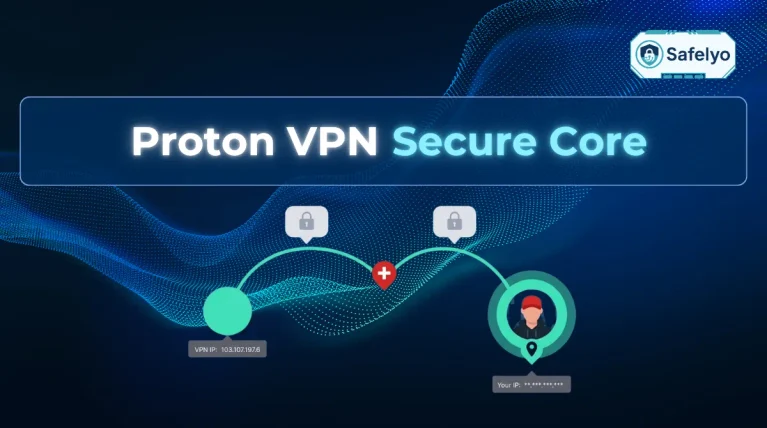
A VPN routes your internet traffic through an encrypted tunnel to a secure server. When torrenting, this means:
- Your real IP address is hidden and replaced with the VPN server’s IP.
- Your ISP can no longer see torrent traffic patterns directly.
- Swarm peers only see the VPN server’s IP, not yours.
This removes the most direct risks of identification and monitoring.
5.2. Essential VPN features for P2P
Not all VPNs are equal. For torrenting, key features include:
- Kill switch to prevent leaks if the VPN disconnects.
- DNS and IPv6 leak protection so your real IP is not revealed by accident.
- Obfuscation modes to bypass networks that try to block VPN traffic.
- Audited no-logs policy to ensure no records of your torrenting are kept.
- P2P-friendly servers optimized for speed and stability.
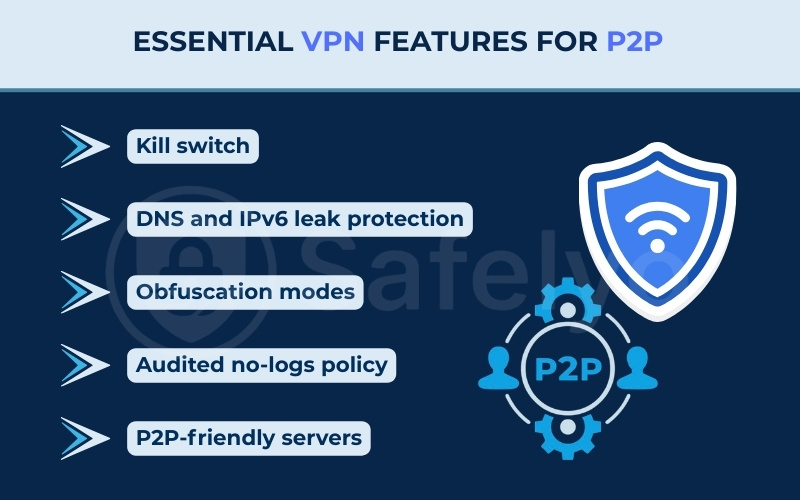
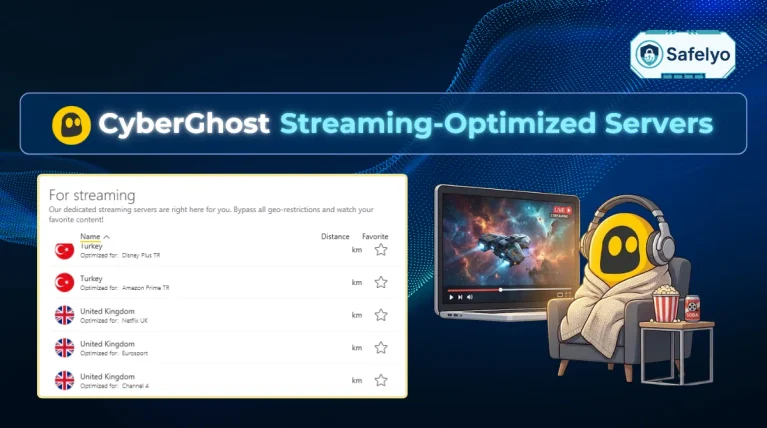
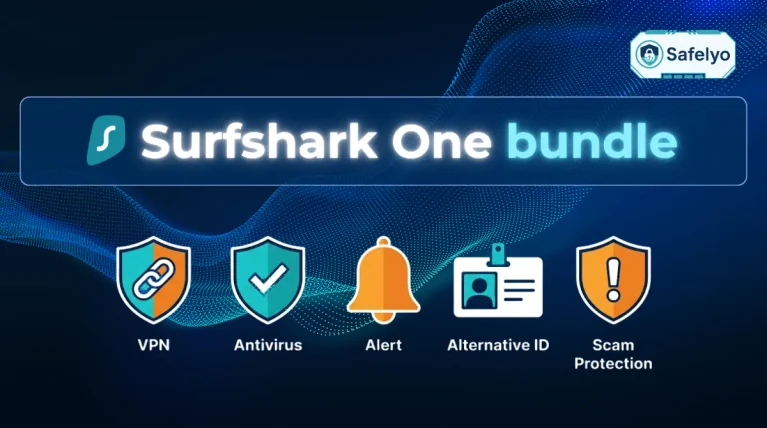
Without these specific features, your data may still remain vulnerable even with an active connection. You might consider looking into popular services like NordVPN, ExpressVPN, or Surfshark, as they integrate these essential security layers directly into their platforms.
5.3. Known limitations: Logs, speeds, and ports
VPNs help, but they do not erase all risks:
- Jurisdiction matters: A VPN based in a country with strict data laws may be forced to cooperate with authorities.
- Speed reduction: Encrypting and rerouting data can slow downloads, especially on overloaded servers.
- Port forwarding risks: Some VPNs allow port forwarding for faster torrents, but this can create new attack surfaces if not configured carefully.
5.4. VPNs vs. proxies, seedboxes, and Tor
Other tools are sometimes compared to VPNs:
- Proxy: Hides your IP but does not encrypt traffic. Less secure.
- Seedbox: A remote server downloads torrents for you. Safer but requires extra steps to transfer files.
- Tor: Provides anonymity but is not built for torrenting and can severely slow speeds.
A VPN strikes the balance of privacy, usability, and speed for most users, but it is not the only option.
6. What should you do if you accidentally torrented without a VPN?
Realizing you left your connection unprotected might be alarming. However, a single slip-up usually only results in a warning email. Follow these steps to secure your system immediately:
- Close the software: Shut down the torrent client completely to stop the uploading process.
- Delete the files: Remove the downloaded items from your active shared folder to ensure they are no longer accessible to the network.
- Check the logs: Review your connection logs to confirm if your real IP address was actually exposed during the session.
- Scan for malware: Run a full system scan with your antivirus software to eliminate any hidden malicious programs you might have downloaded.
Taking these steps quickly minimizes the amount of time your IP address remains visible in the network. While you cannot undo a past connection, handling the situation calmly ensures you do not inadvertently expose your device to further tracking or security threats.
7. Safer practices and legal options
Even with a VPN, the safest approach is to combine protective tools with good digital hygiene. By adjusting your habits and software settings, you can reduce exposure and avoid most of the risks tied to torrenting.
7.1. Only download legal torrents
Stick to files that are openly shared by their creators. Examples include:
- Linux distributions such as Ubuntu or Fedora.
- Open-source software packages.
- Public domain books, movies, or music.
This removes the legal risk entirely and allows you to use torrents as they were intended.
7.2. Verify hashes and sources
Reputable torrent publishers often provide hash values (like SHA-256). Checking these ensures the file has not been tampered with. Also:
- Download only from trusted websites or official project pages.
- Avoid torrents with few seeders or suspicious file names.
7.3. Harden your client settings
A torrent client can be made safer with small changes:
- Turn off unsafe port forwarding unless you know how to secure it.
- Consider using IP binding so the client only works if a VPN is active.
- Limit peer connections to reduce unnecessary exposure.
- Use a trusted client like qBittorrent, which supports VPN binding and has no adware.
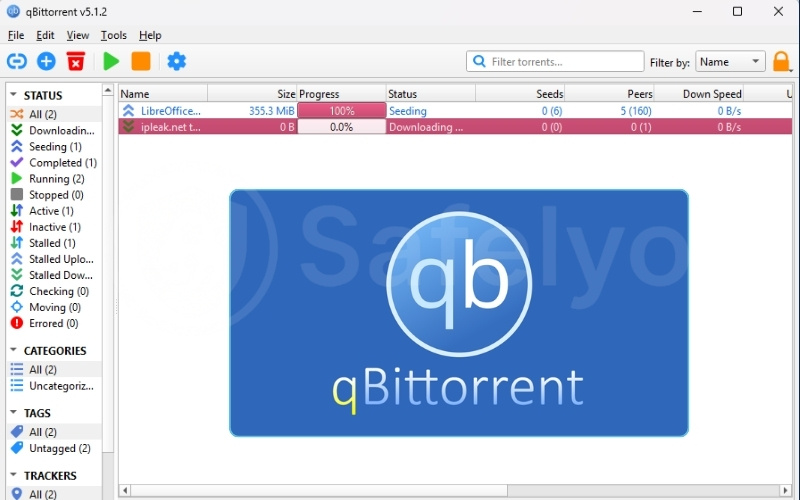
If you need help configuring these safety features, you might find our step-by-step guide on How to use a VPN with qBittorrent useful.
7.4. Disable WebRTC in browsers
If you use torrent sites to find magnet links or stream previews, your browser may leak your real IP via WebRTC. To prevent this:
- Disable WebRTC manually in browser settings.
- Or install extensions like WebRTC Network Limiter (Chrome) or uBlock Origin (cross-browser) that block leaks automatically.
7.5. Use antivirus and firewall
A VPN hides your IP but does not block malware. To stay safe:
- Keep your antivirus updated to detect malicious files (e.g., Bitdefender, Kaspersky, or Windows Defender).
- Enable a firewall to stop unwanted peer connections.
- Scan all downloads before opening them.
By combining these practices, you greatly reduce the risks of torrenting, even more so if you stick to legitimate, legal torrents.
8. FAQs about why is torrenting without a VPN unsafe
Here are some common questions users ask about network safety and file sharing:
Is it okay not to use a VPN while torrenting?
Yes, it is acceptable if you are exclusively downloading legal, open-source files like Linux ISOs. However, if you interact with copyrighted material, your exposed IP address puts you at high risk.
Can you actually go to jail for torrenting?
In theory, federal laws do carry severe penalties. In reality, individual users almost exclusively face civil settlement demands or warning letters from their ISP, not criminal jail time.
Can the FBI see through VPNs?
Encryption protects your data while it travels. Law enforcement cannot simply break the encryption; they must request records from the provider. This is why a strict, audited no-logs policy is critical for absolute privacy.
What are the dangers of not using a VPN?
The primary risks include exposing your public IP address to the entire swarm, facing severe bandwidth throttling from your ISP via DPI, and increasing your vulnerability to malware.
What should I do if I already torrented without a VPN?
Immediately close your torrent client, delete the files you are currently seeding, and keep an eye on your email for any potential warning notices from your internet provider.
9. Conclusion
To summarize, if you are asking why is torrenting without a VPN unsafe, the primary reason is the fundamental public nature of BitTorrent networks. Every time you connect to a swarm, your public IP address becomes visible to everyone. This directly exposes you to tracking bots, bandwidth throttling from your internet provider, and targeted copyright enforcement actions.
Using proper security tools is the standard technical method to encrypt your data stream and maintain network anonymity. For more detailed instructions on securing your connection, you can explore our VPN Guides section, or read comprehensive tool reviews at Safelyo to find the right software for your needs.